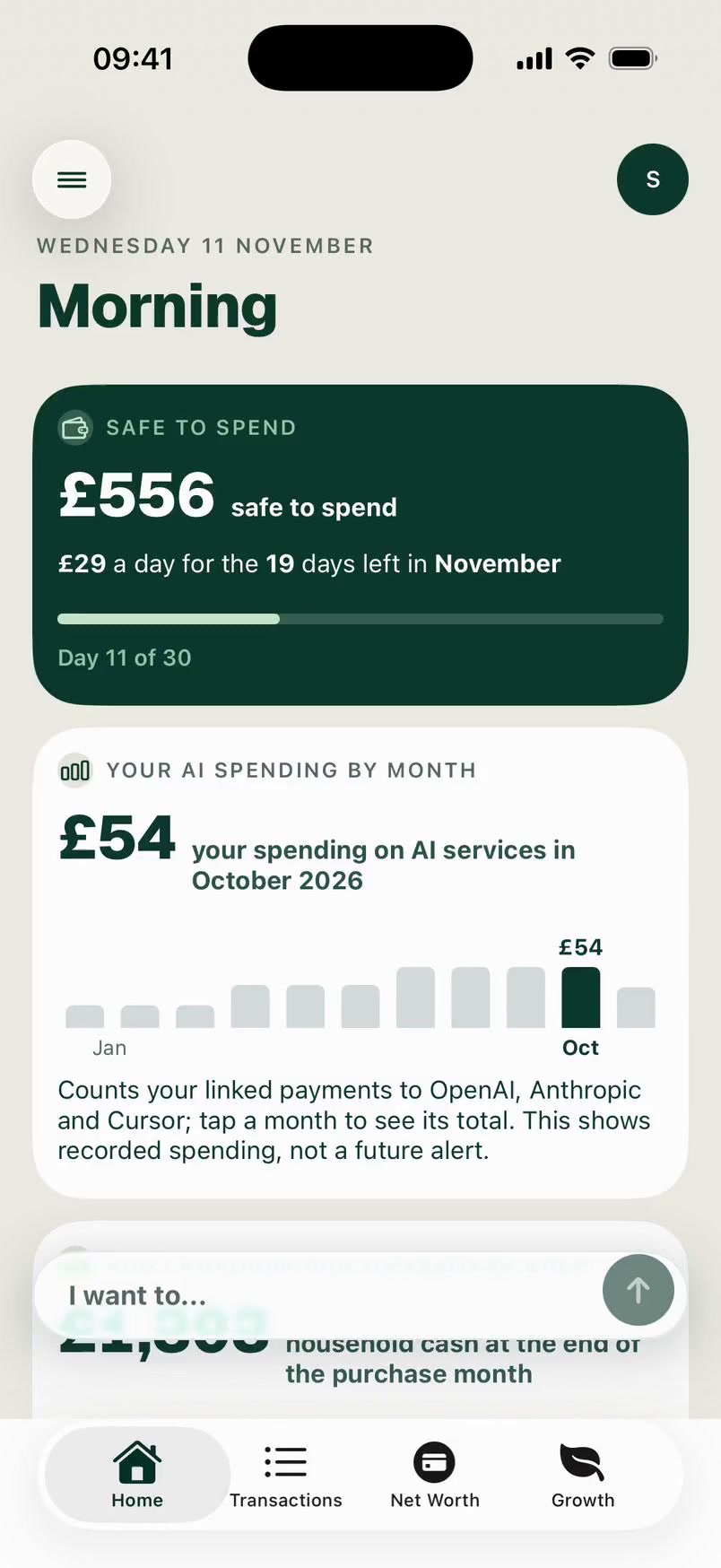
Know exactly what's safe to spend.
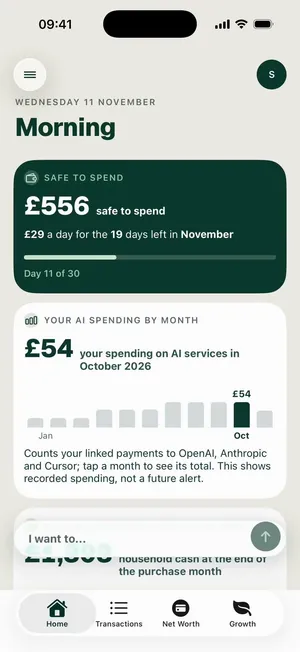
Surplus is a UK budgeting app for iPhone. It links your bank accounts, builds a monthly plan based on your income, bills and planned lifestyle spending, then shows you what's left to spend this month.
Join the waitlistFree during the beta. Just your email and we'll tell you when a place opens.
Your accounts in one place, tracked over time.
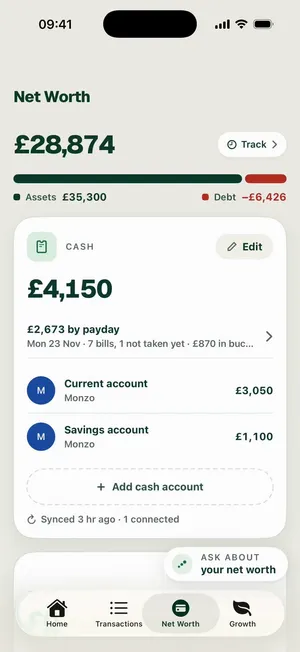
- Link supported current accounts, savings and credit cards through read-only Open Banking: one bank free, more with Surplus Pro.
- With Surplus Pro, add your Trading 212 investments, so cash, investments and debt add up to one net worth.
- With Surplus Pro, track how your net worth changes over time with automatic snapshots.
Your bills and subscriptions, tracked.
- Surplus finds your regular bills and subscriptions from your transaction history.
- See what’s due in the next 7 days and what your bills average out to each month.
- It flags bills that need you to check them, such as a payment it hasn’t seen.
Ask AI about your money.
- With Surplus Pro, ask in plain English: can I afford a holiday, where is my money going, how much can I save.
- Answers use your own accounts and plan.
- It shows the working, with charts to help explain the answer.
AI can make mistakes. For education only, not financial advice.
Explore Proactive AIRead-only. We can’t move your money.
Surplus links your bank through read-only Open Banking via Yapily. You decide what to share and can manage your linked accounts or disconnect a bank in Settings.
- Read-only Open Banking
- Powered by Yapily
- UK GDPR
-
Your bank login stays with your bank
We connect to your accounts through read-only Open Banking via Yapily, an FCA-authorised payment institution, never by storing your login. You choose what to link and you can revoke access whenever you want.
-
Your data, your rules
We only use what’s needed to build your plan and keep it on track. Your information is never sold and it’s protected under UK data-protection law.
-
Sign in with Apple
Sign in with Apple, without creating a Surplus password. Your data is encrypted in transit and at rest. Your sign-in session is stored in your device’s Keychain.
From bank link to a monthly plan, in four steps.
Surplus does the maths so you don’t have to. Link your bank, see what’s safe to spend, plan your month and stay on track.
- Step 01
Connect your bank
Link supported current accounts, savings and credit cards through read-only Open Banking: one bank free, more with Surplus Pro. You decide what to share and can manage your linked accounts or disconnect a bank in Settings.
Account connected
Read-only · disconnect anytime
- Step 02
Safe to spend
£556What’s left to spend this month.
See what’s safe to spend
- Step 03
Plan your month
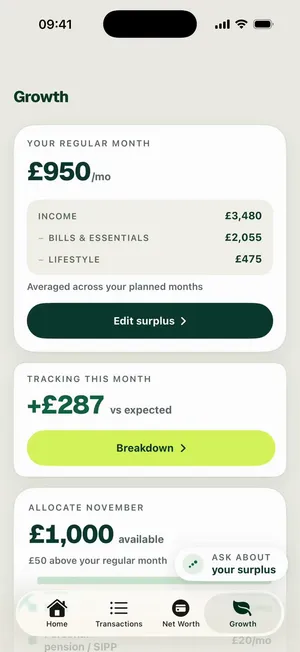
With Surplus Pro, plan your regular month from up to 12 months of your transactions. Income, minus bills and essentials, minus your planned lifestyle spending (eating out, clothes shopping, nights out), leaves your monthly surplus.
Your regular month
Surplus Pro
- Step 04
Stay on track all month
Surplus tracks your spending against your plan and shows whether you’re heading under or over plan by month-end.
On track